My Weekly Review
I mentioned several months ago that I had embarked on a new system to organize my life. It is called “Mind Organization for Moms” and I stumbled upon it sort of by accident, but it’s been a game changer for me. I used to wake up feeling behind and go to bed feeling behind. It was a constant game of “catch up” that was slowly making me crazy. I had so many things “in my head” that most of it was falling through the cracks. I’ve had some people ask how the system is working for me and so I thought I would post an example of how I work the system. (I have tweaked it for my own use and so while I don’t follow it to the letter, I do stick mostly to it.)
For today, I will explain one portion of it–“The Weekly Review.” This is based on the “Getting Things Done” system by David Allen and has been adapted by April Perry of “Power of Moms” for moms. https://hm156.infusionsoft.com/app/storeFront/showProductDetail?productId=34 Basically, the “Weekly Review” is the process where once a week I process all of the papers, notes, calendars, to-do lists, etc and put it into my system. (If there is interest, I could go into details about my entire system, but for today I’ll keep it simple.)
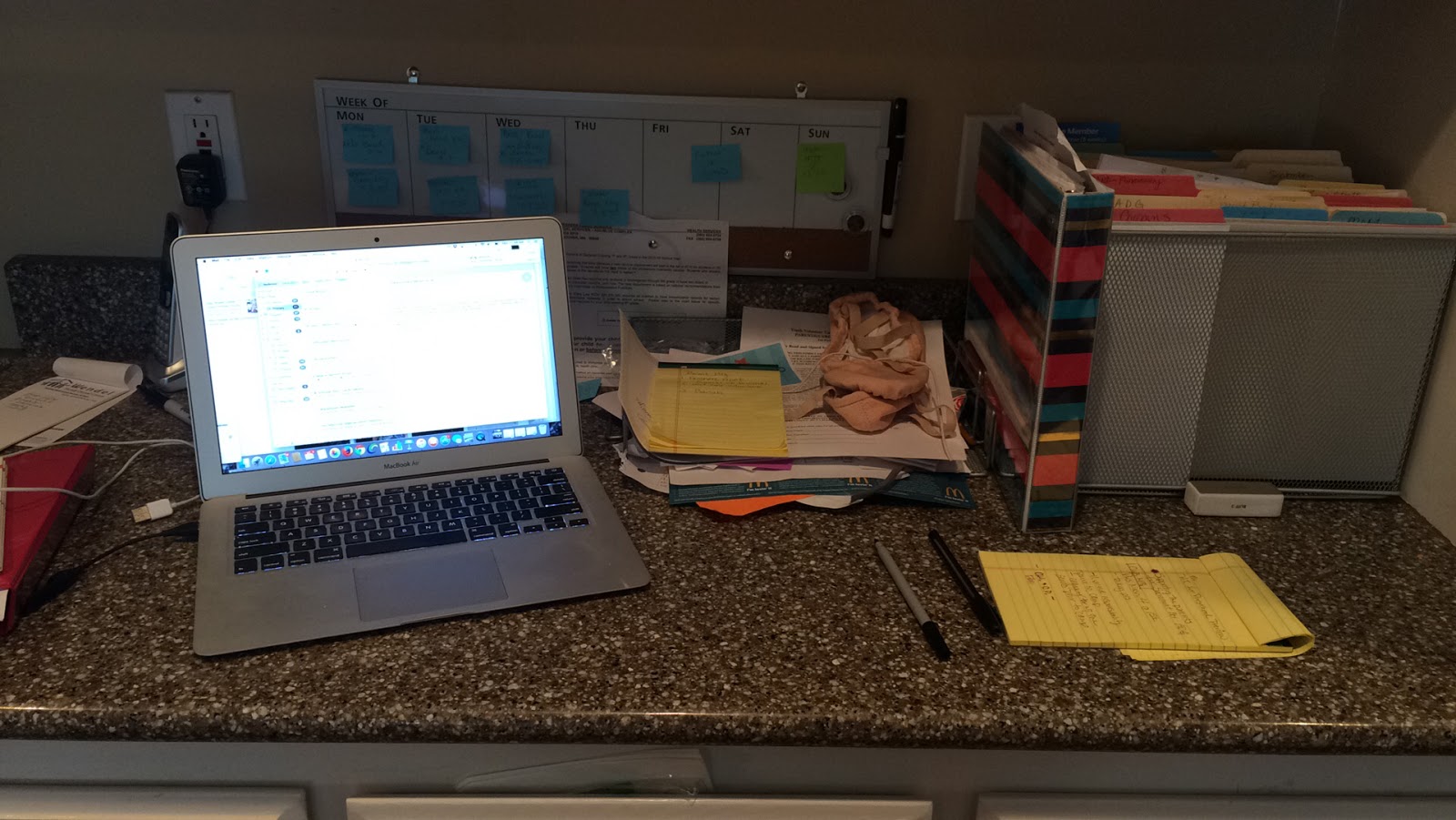
Above is my “machine.” Notice the in-box in the middle with a stack of papers (and ballet shoes:) These are all the things from the week that need to be “processed.”
I start with the first thing on the pile. My goal is to get everything either filed, recycled, or dealt with if there is an “action” item. Here are some examples:
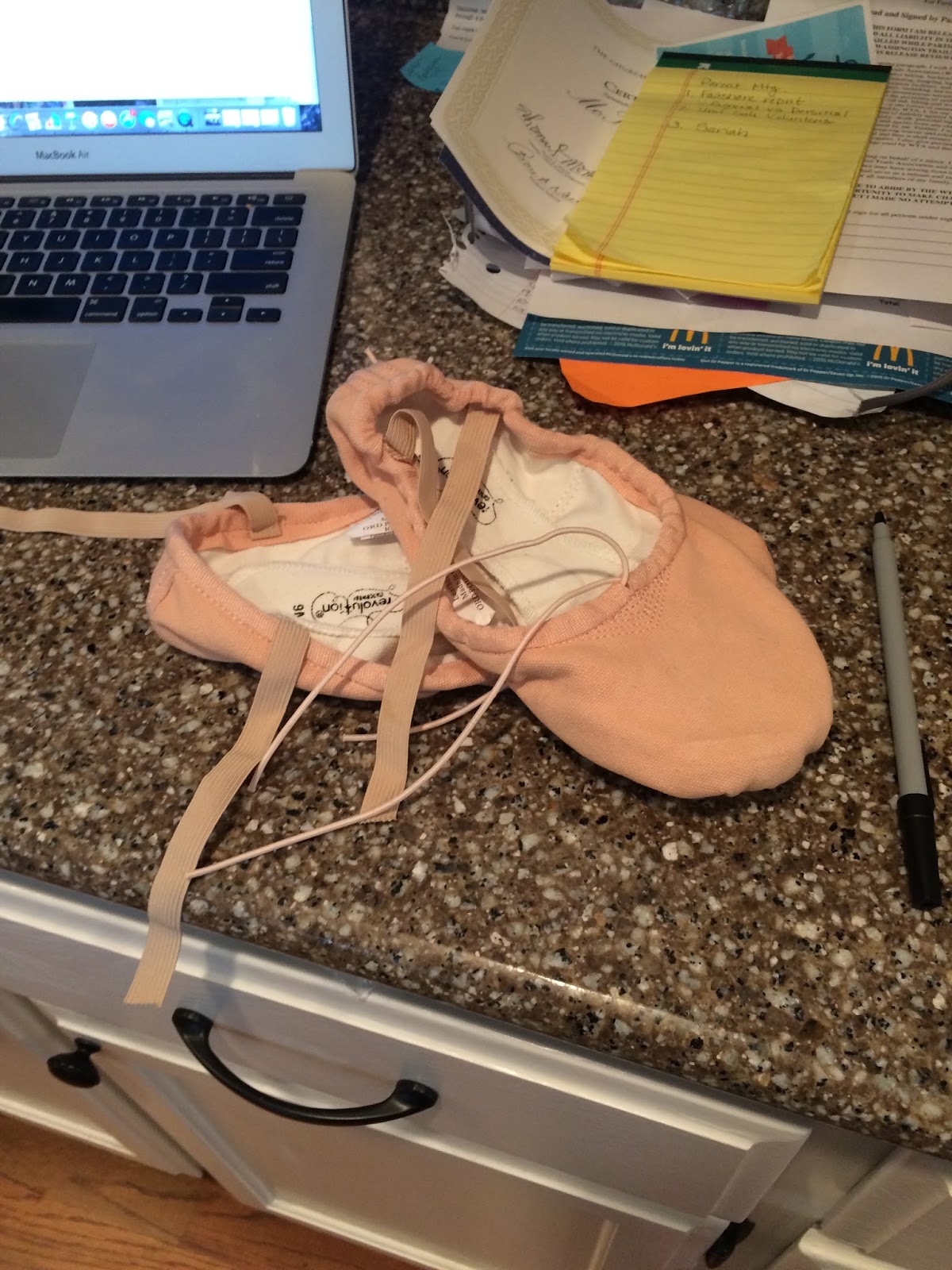
Item: Ballet Shoes
Ok–this isn’t paper, but it WAS in my in-box…Kennedy’s ballet shoes need to be sewn. She brought them home a few days ago and I told her to put them in my in-box. Because I need her home to measure where the straps go, I put them upstairs next to my sewing box and added “sew ballet shoes” to my “Home” list on my Wanderlust app. I check that list daily so it will get done tonight.

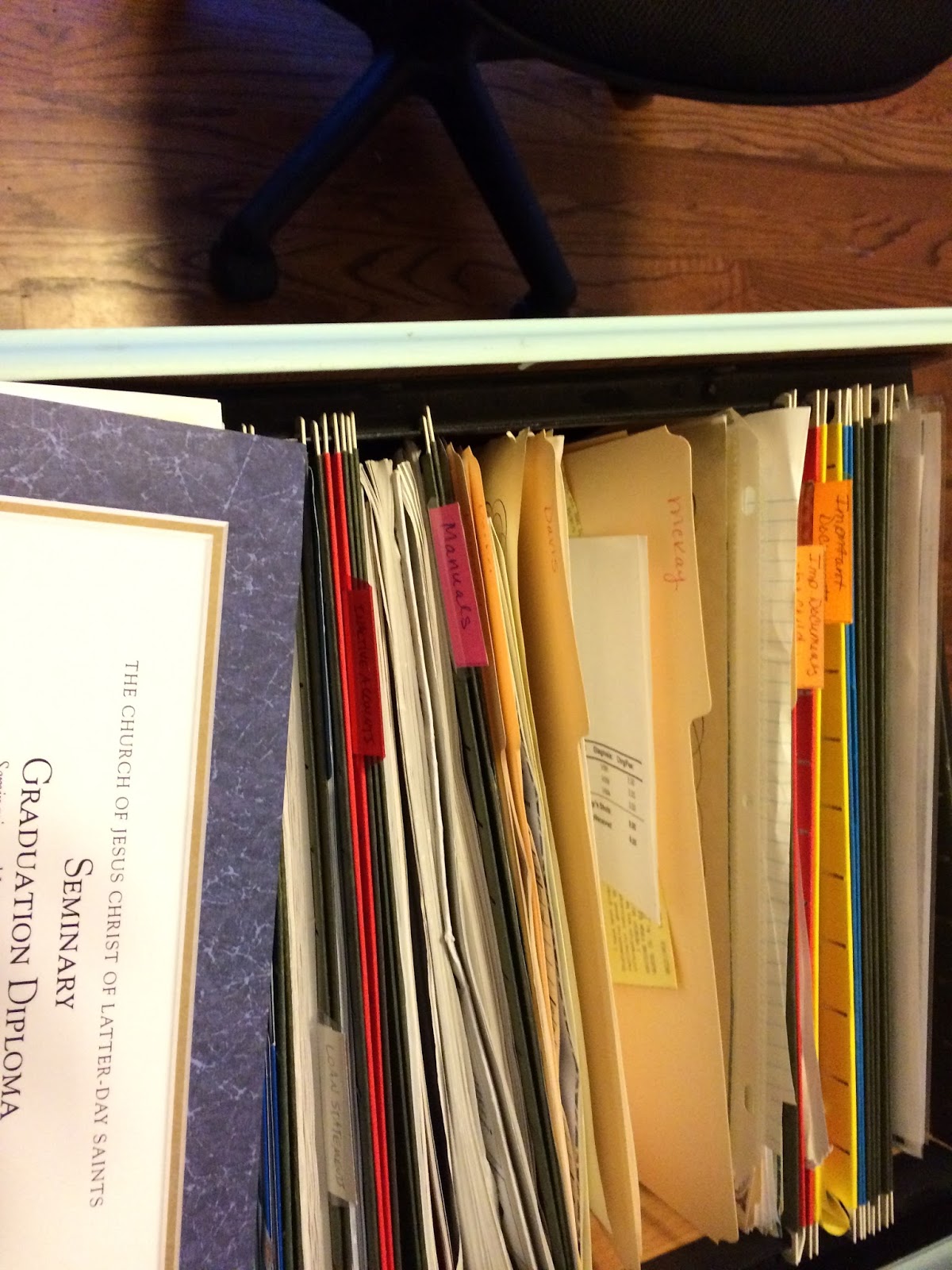
Item: certificate for one of the boys. I just needed to file this so I went to the file cabinet, opened up to the “McKay” file and placed it in there. It took about 15 seconds.
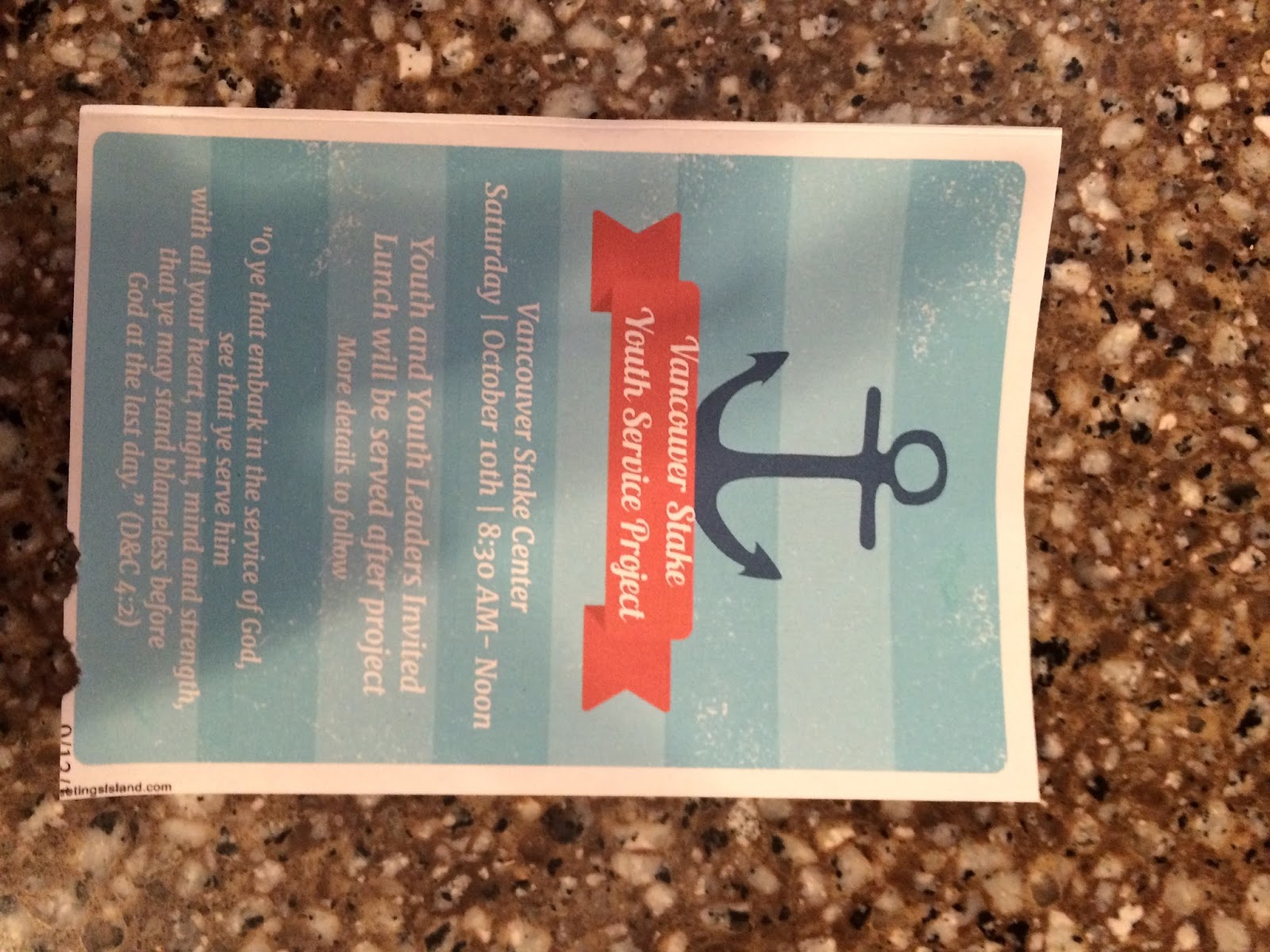

(I apologize for the sideways photos but I was wasting WAY too long trying to fix them and I have a Costa Vida lunch date with myself that I don’t want to miss!)
Item: Invitation for an activity for Kennedy.
Action: I put the the date and info in my google calendar (2nd sideways pic) and recycled the invitation.
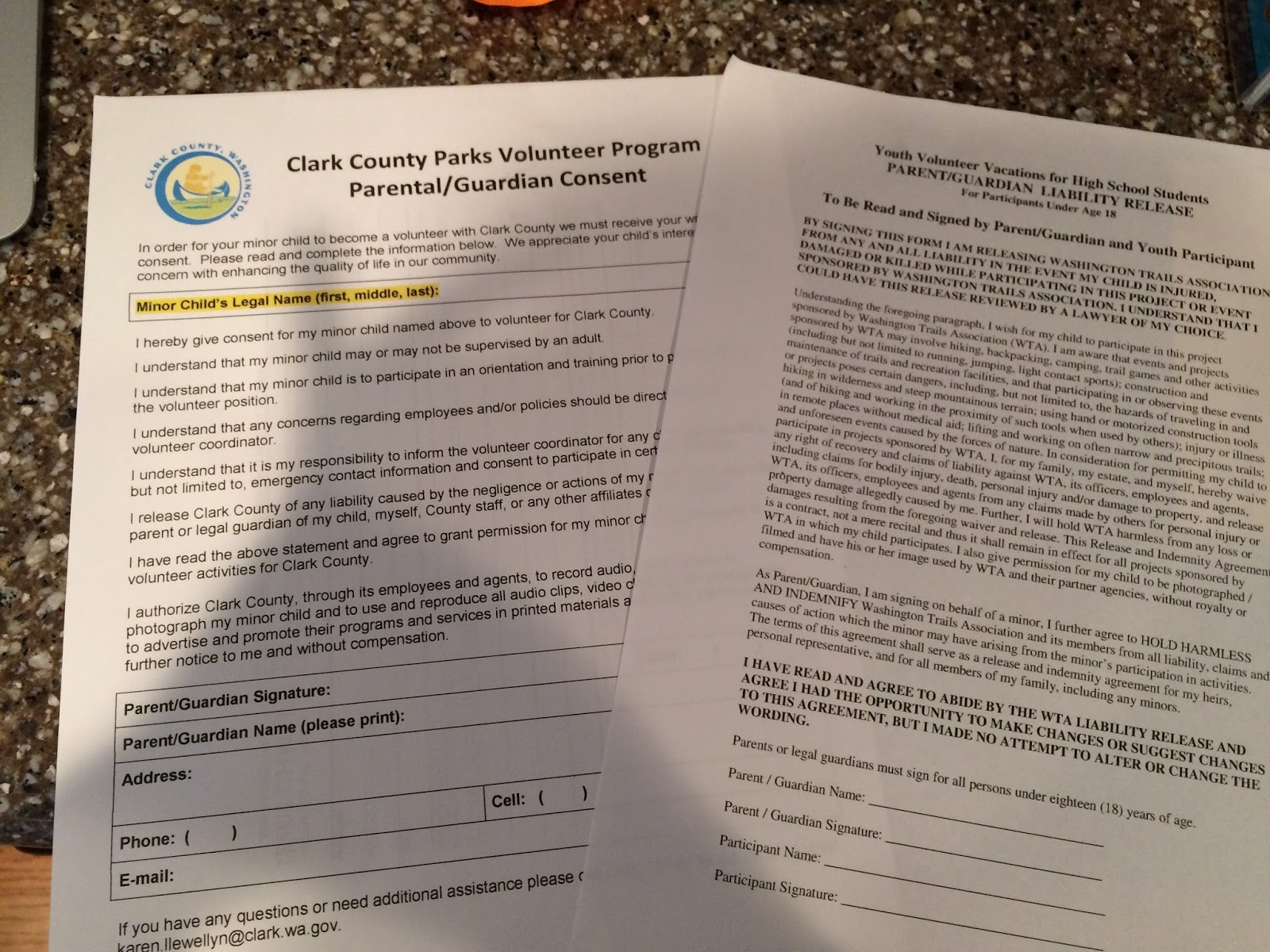
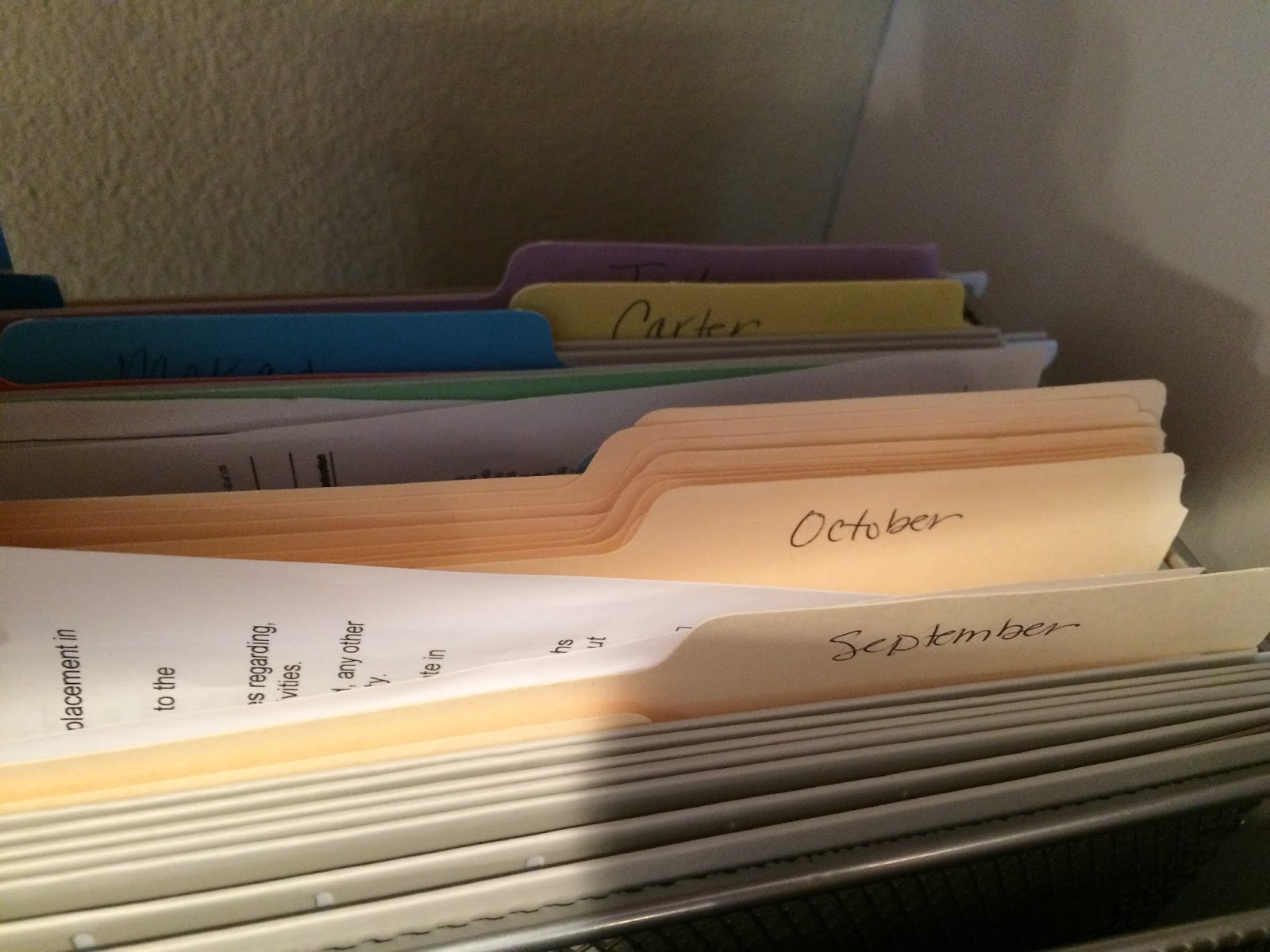
Item: Permission forms for above service activity
Action: I placed this in the “October” “tickler file”. Basically I have a folder for each month that has items specific to that month. Since the activity was in October, that’s where it goes. (You can place a “t” next to the item on your calendar so you remember where it is.)
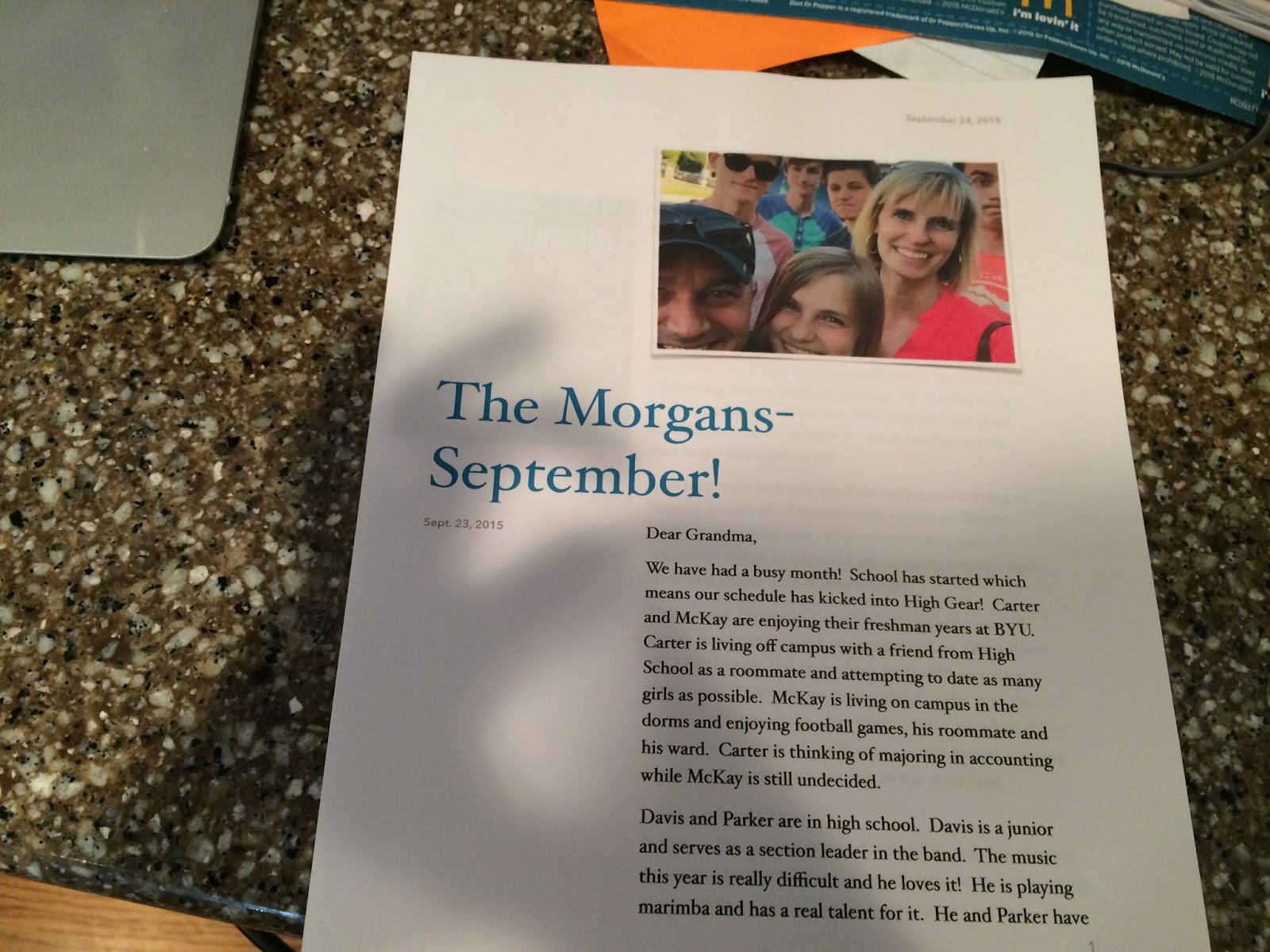
Item: Letter to send to my Grandma
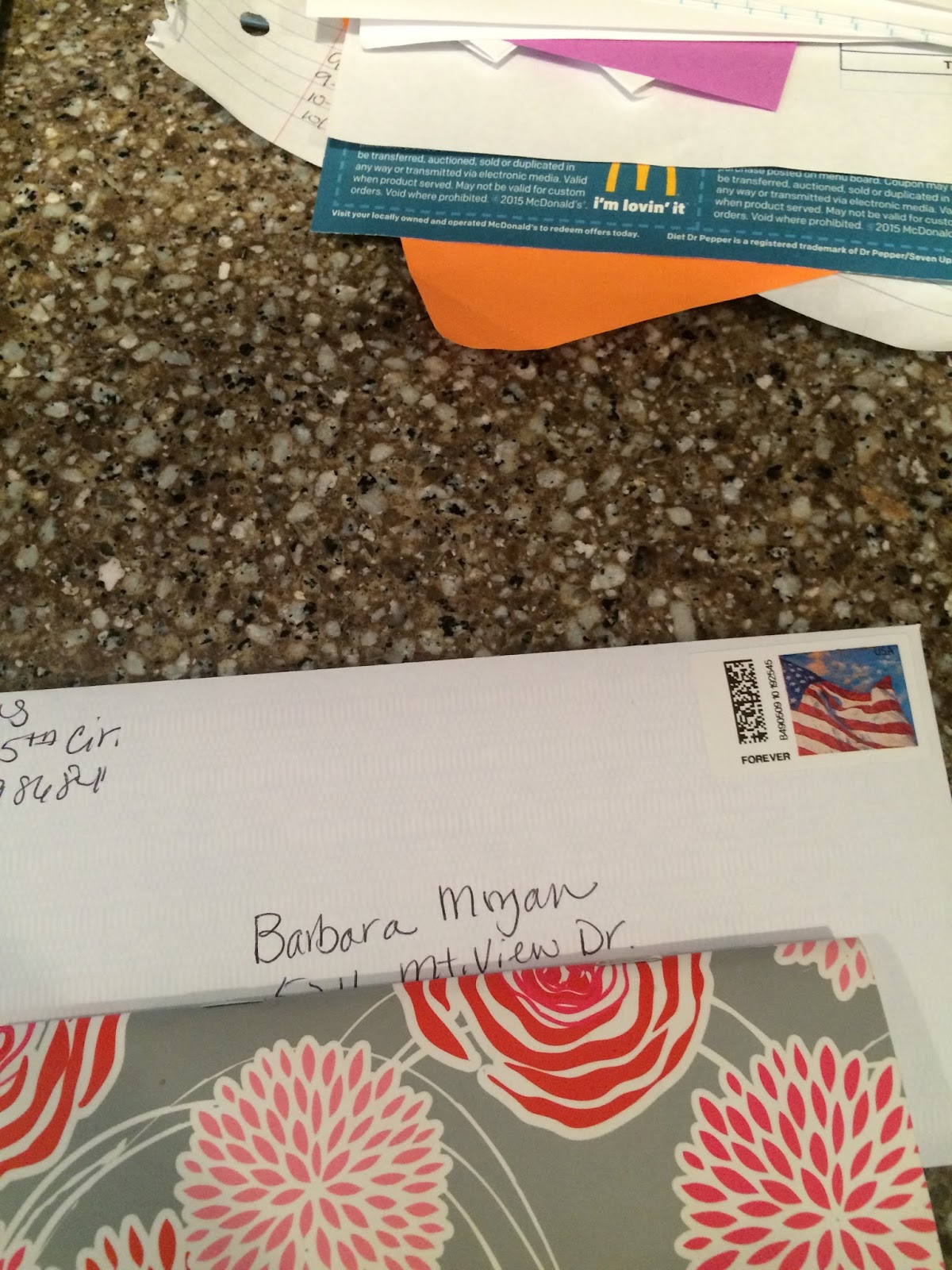
Action: I just needed to address this and stick it in my purse to mail on my way out the door. (If any item takes less than 2 minutes to deal with, I deal with it right then.)
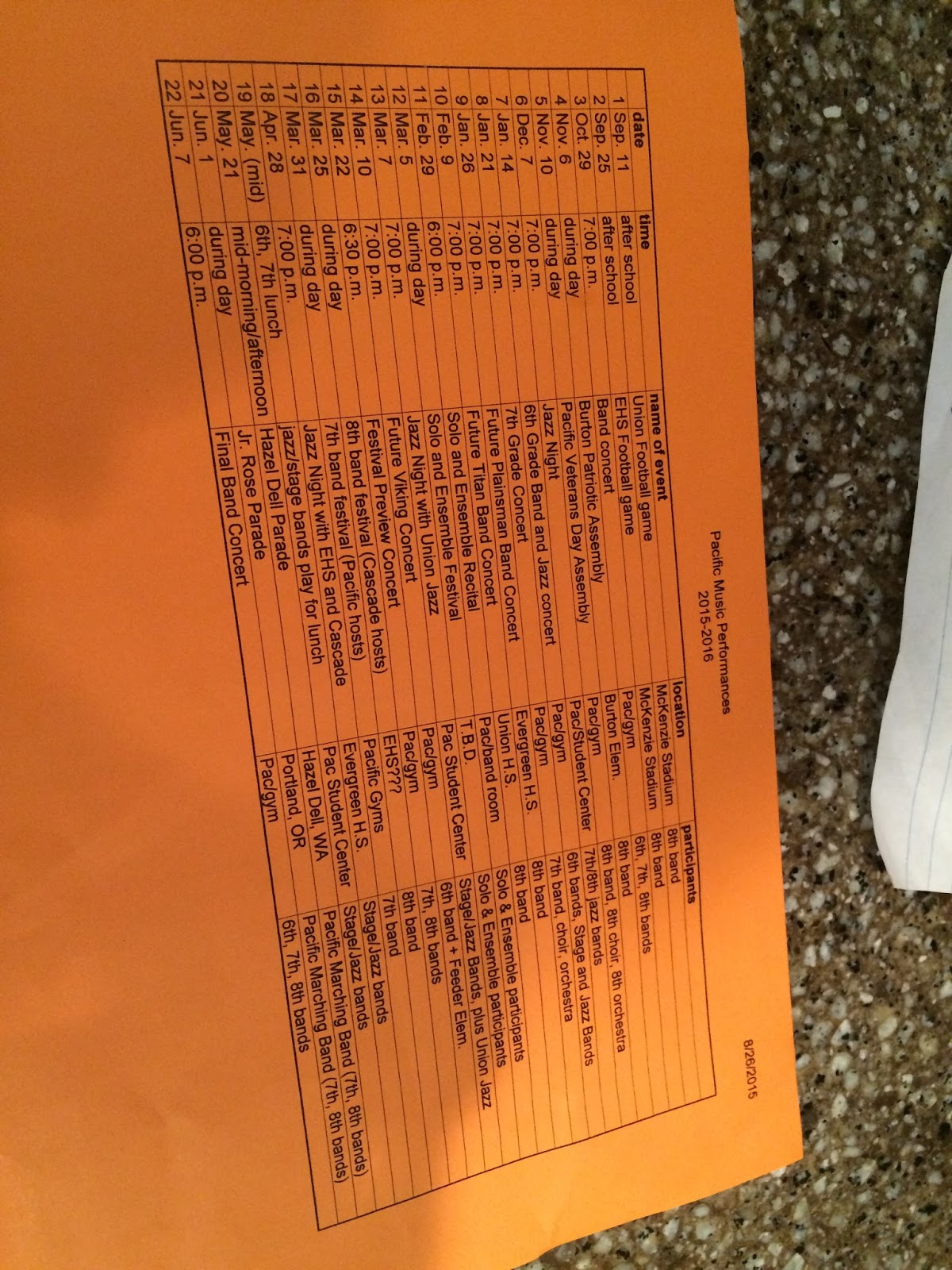
Item: Kennedy’s band schedule for the year
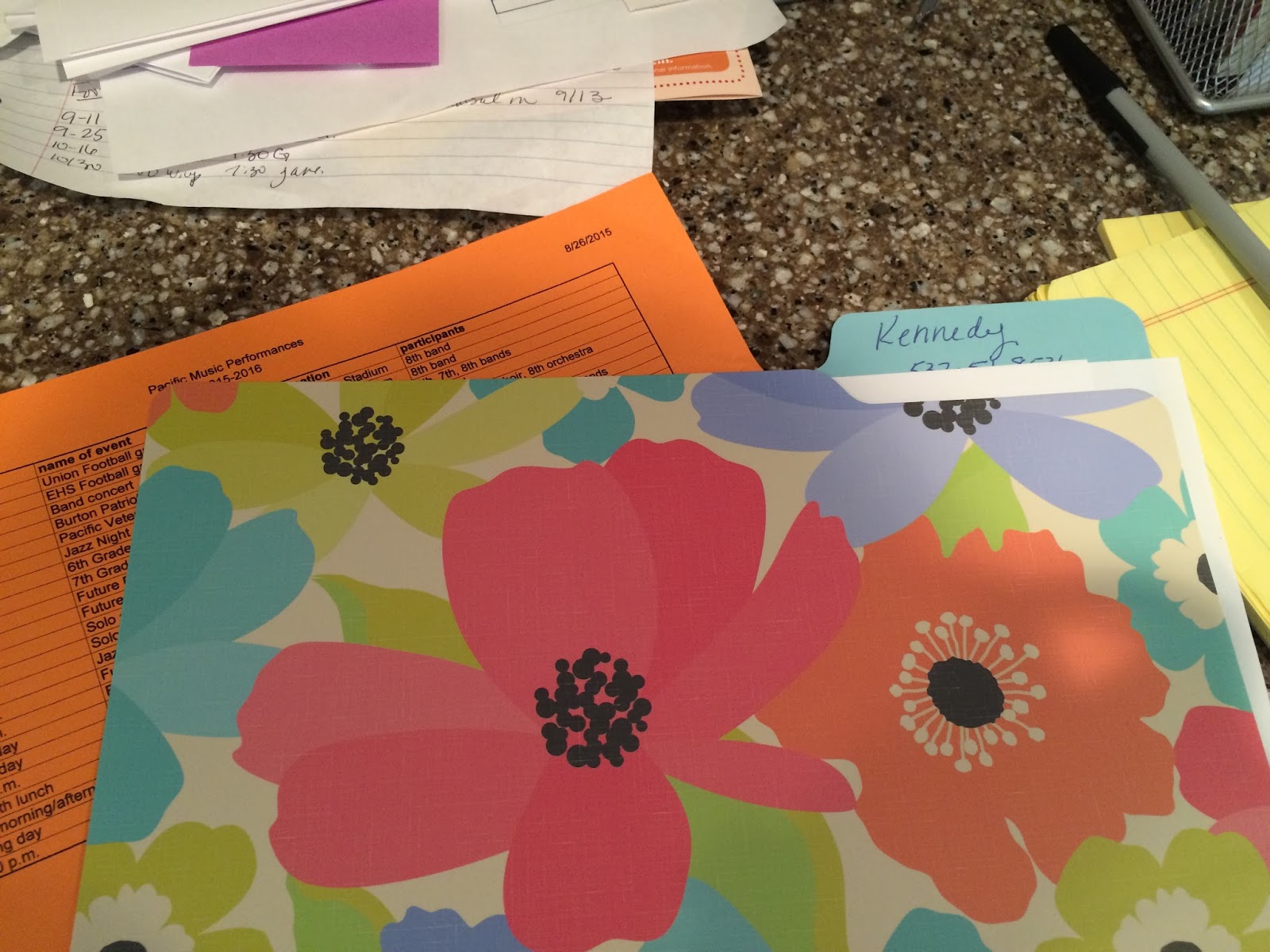
Action: I put each of the dates in my calendar and put the paper in the “Kennedy “file on my counter top file box. (There was info on the back that may come in handy but I didn’t need to be aware of it at the moment.)
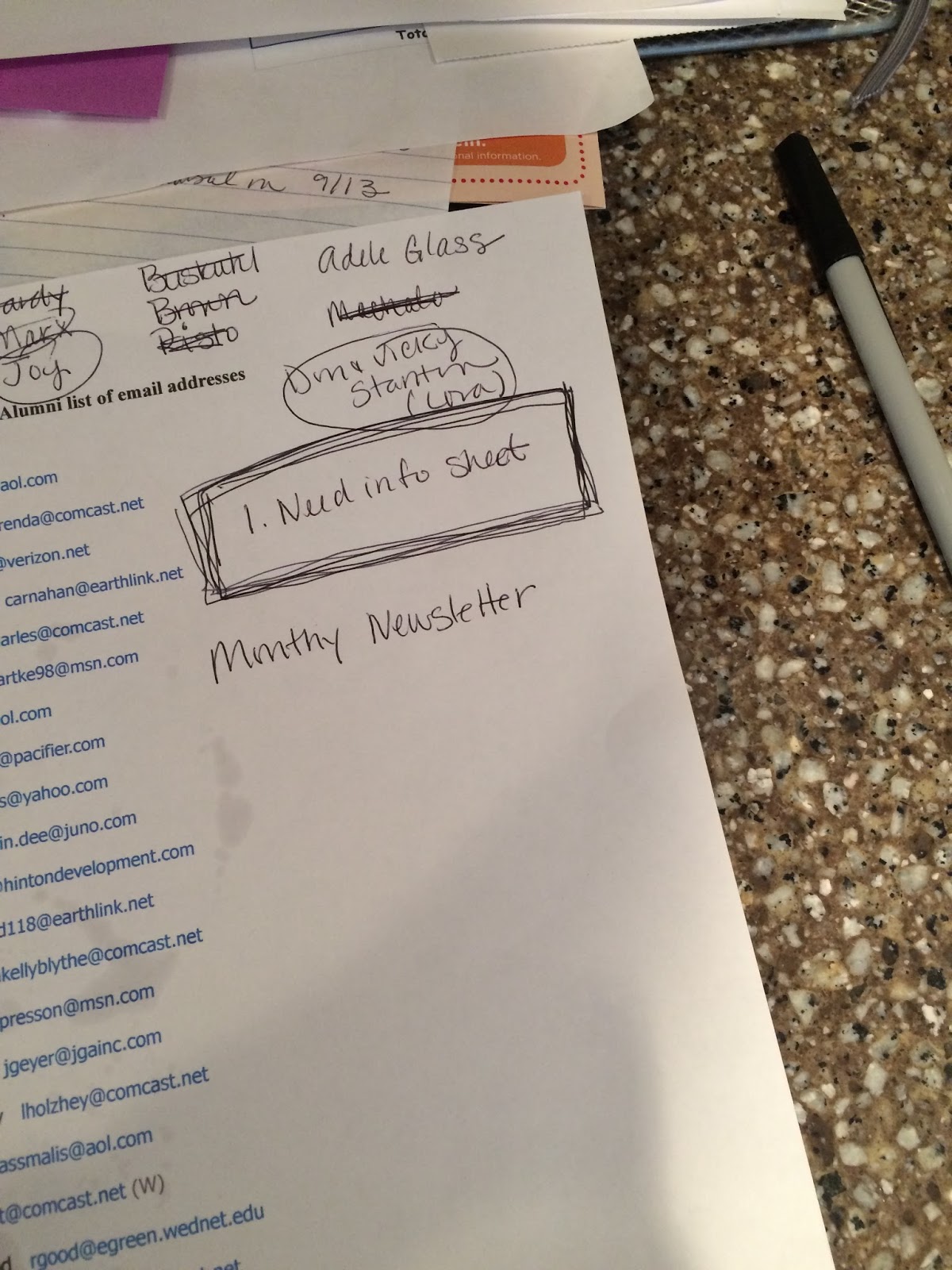
Item: Email list and notes for an “Alumni” email list I’m making for the marching band I am currently booster president of.
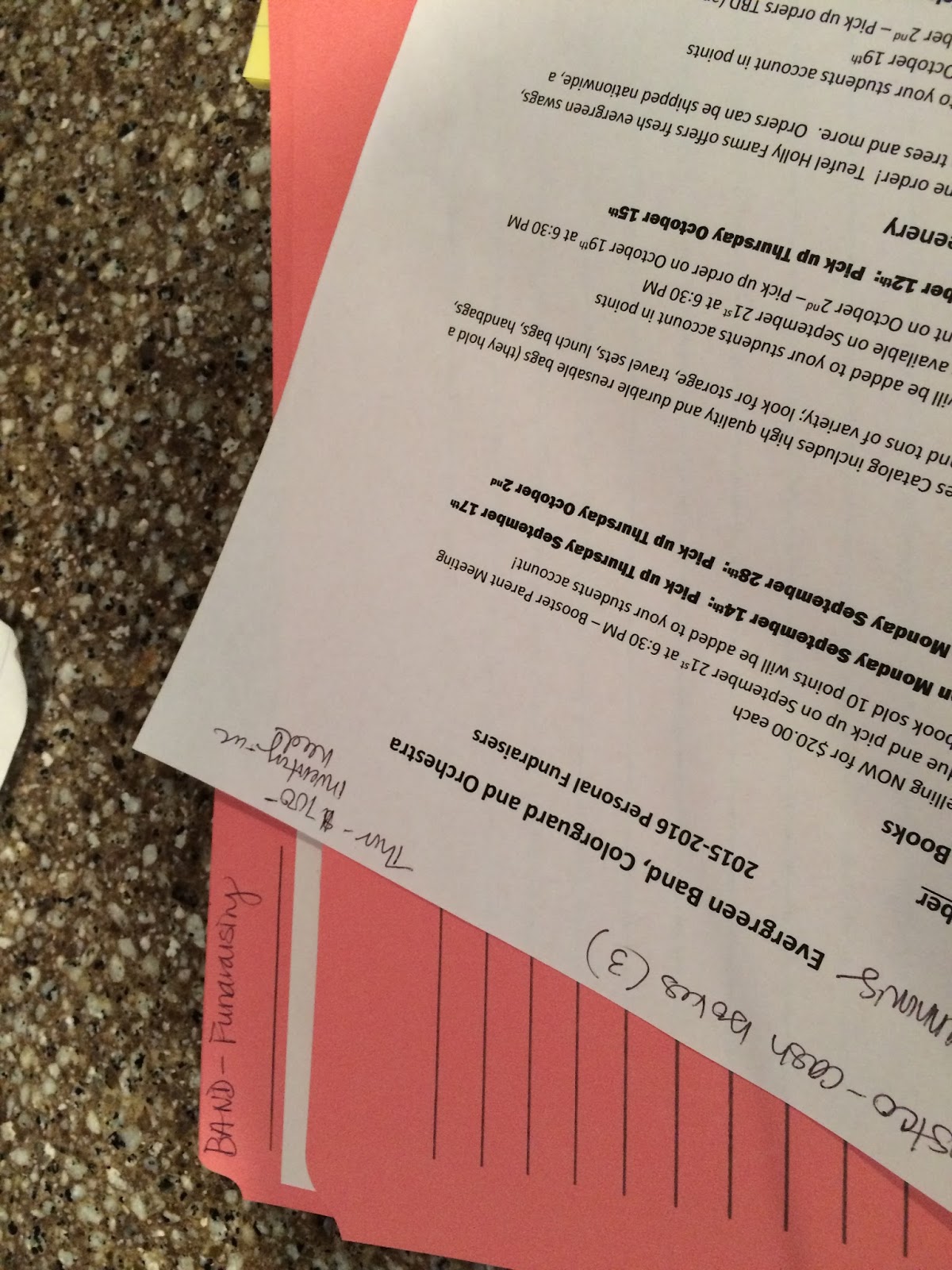
Item: Fundraising list
Action: This was put in my “fundraising” current projects folder but required no action at the moment as I am waiting on some info. That info went on my “waiting list” (see picture below). This is my list which are items that I’m waiting to hear back from someone before I can move forward.

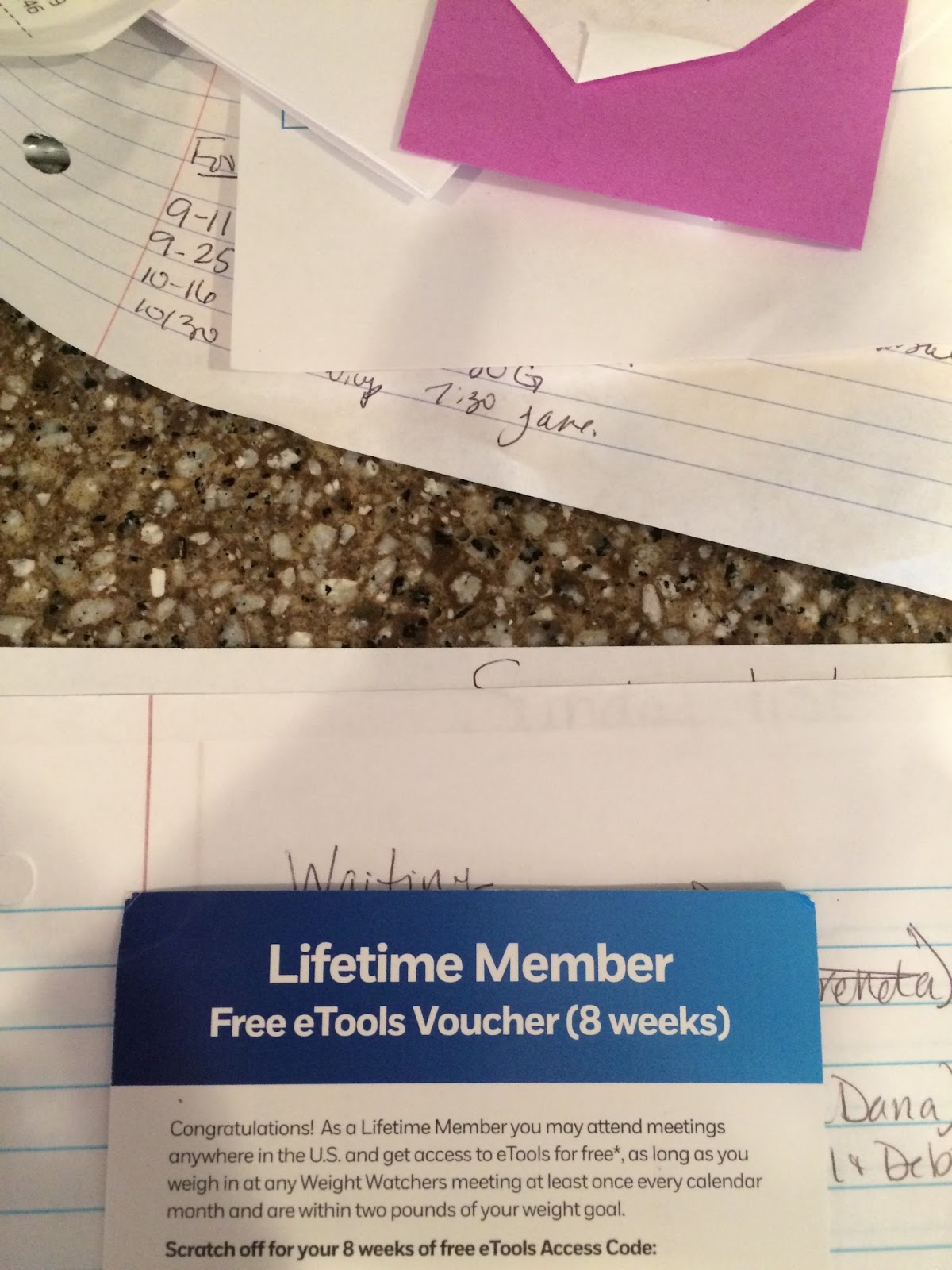
Item: WW registration
Action: I needed to go on line and register my etools number so I could keep getting free access. I did that (took less than two minutes) and recycled the form.

Item: Costa Vida Survey–I really have a thing for Costa…I wanted to fill out the survey so I could get free chips and salsa today. I did that (took less than 2 minutes) and placed the receipt in my wallet next to my visa so I don’t forget to use it.
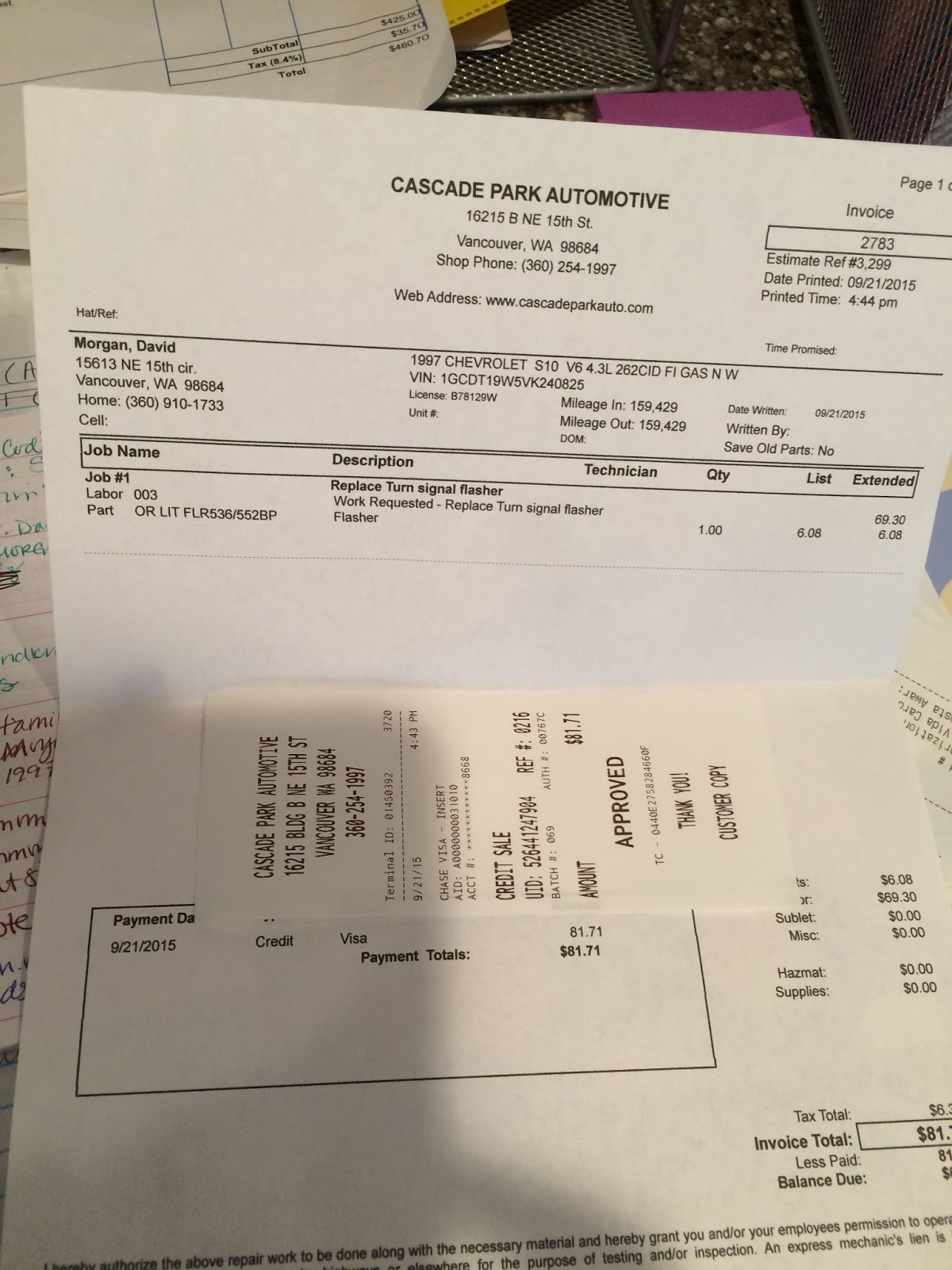
Item: Car repair receipts
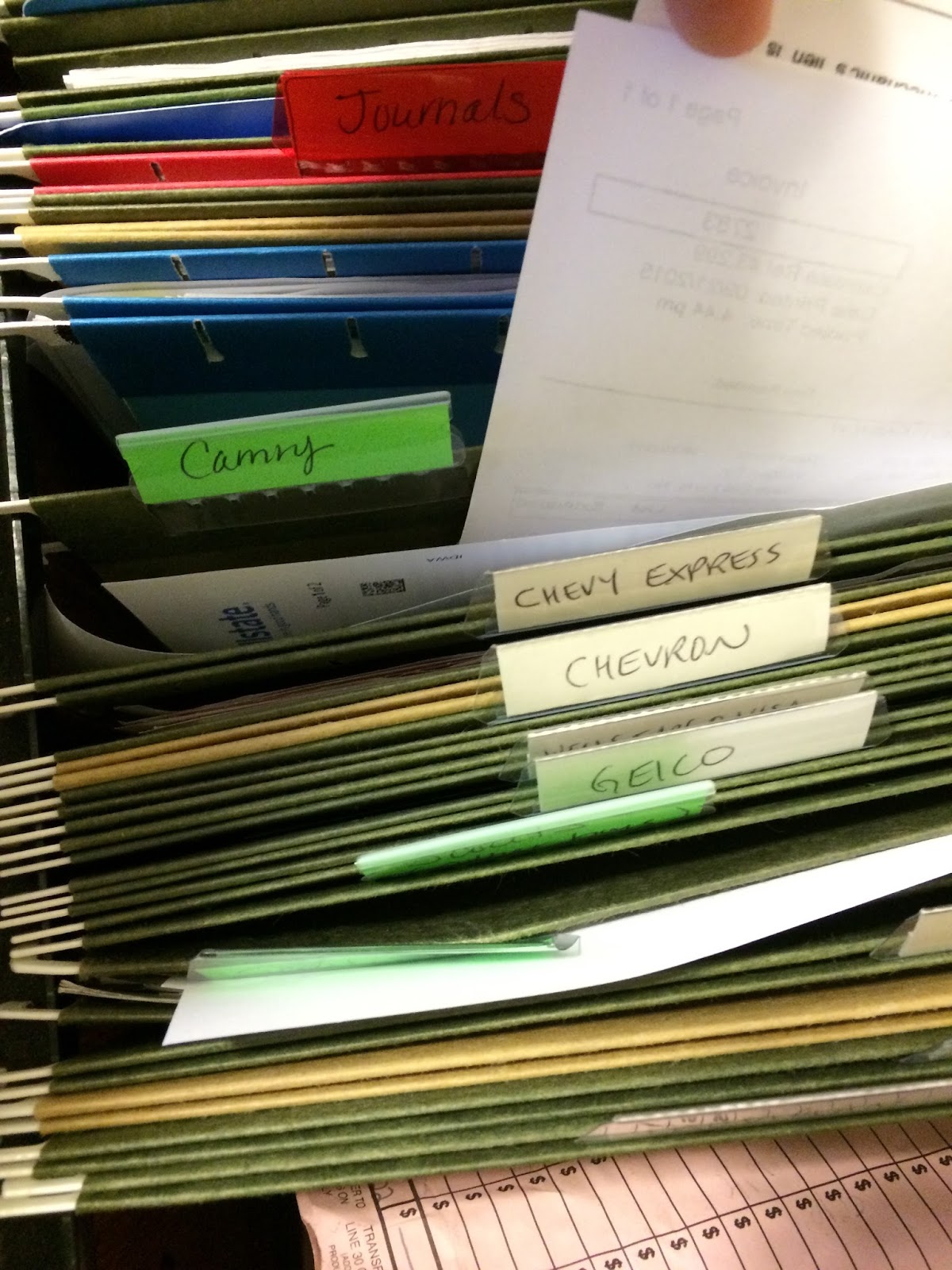
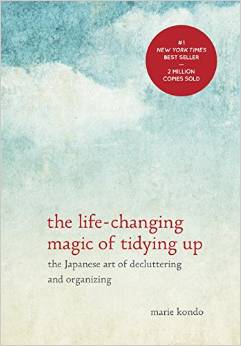
Action: Filed it in the “Camry” file in the file drawer. (Incidentally, after reading Marie Kondo’s book I was pretty ruthless with paring my files down to the absolute minimum. I only have one file drawer about 2/3s full and it’s more than enough.
Eventually, I’m rewarded with this:




 Kristyn Morgan